Why Onward?
Traditional IDEs are editor first — you type, the AI assists. Onward flips this around. Agents do the coding. You plan the work, dispatch prompts, and review what they built.
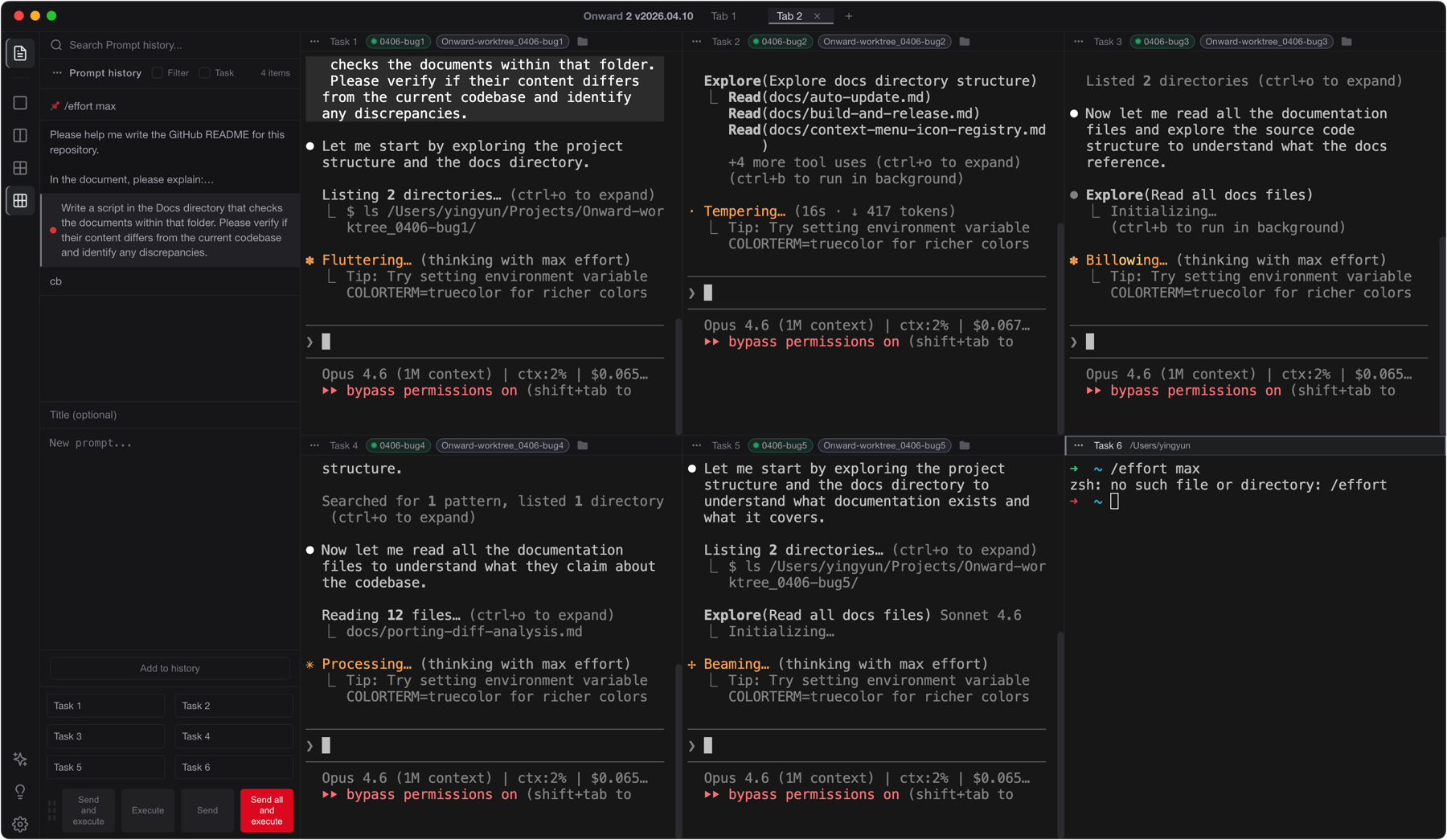
The desktop workspace where AI agents write code in parallel — and you lead the team.
Traditional IDEs are editor first — you type, the AI assists. Onward flips this around. Agents do the coding. You plan the work, dispatch prompts, and review what they built.
Write and arrange prompts before dispatching — plan work like a backlog. Schedule execution, color-tag priorities, and dispatch to agents as they become idle. Manage "what to do" separately from "who does it."
Run multiple AI agents side-by-side with configurable grid layouts. Broadcast dispatch to selected agents simultaneously. Each agent gets its own working directory, context, and history. Works with any CLI agent — Claude Code, Codex, or your custom toolchain.
After agents finish writing code, you review what changed. Each task gets a Monaco-powered editor with Git Diff viewer, Git History, global search, and Markdown preview. One workspace per task — complete visibility into what every agent did.
The editor is there when you need it — not as the starting point. Git Diff, commit history, and code editing in one integrated view per task.
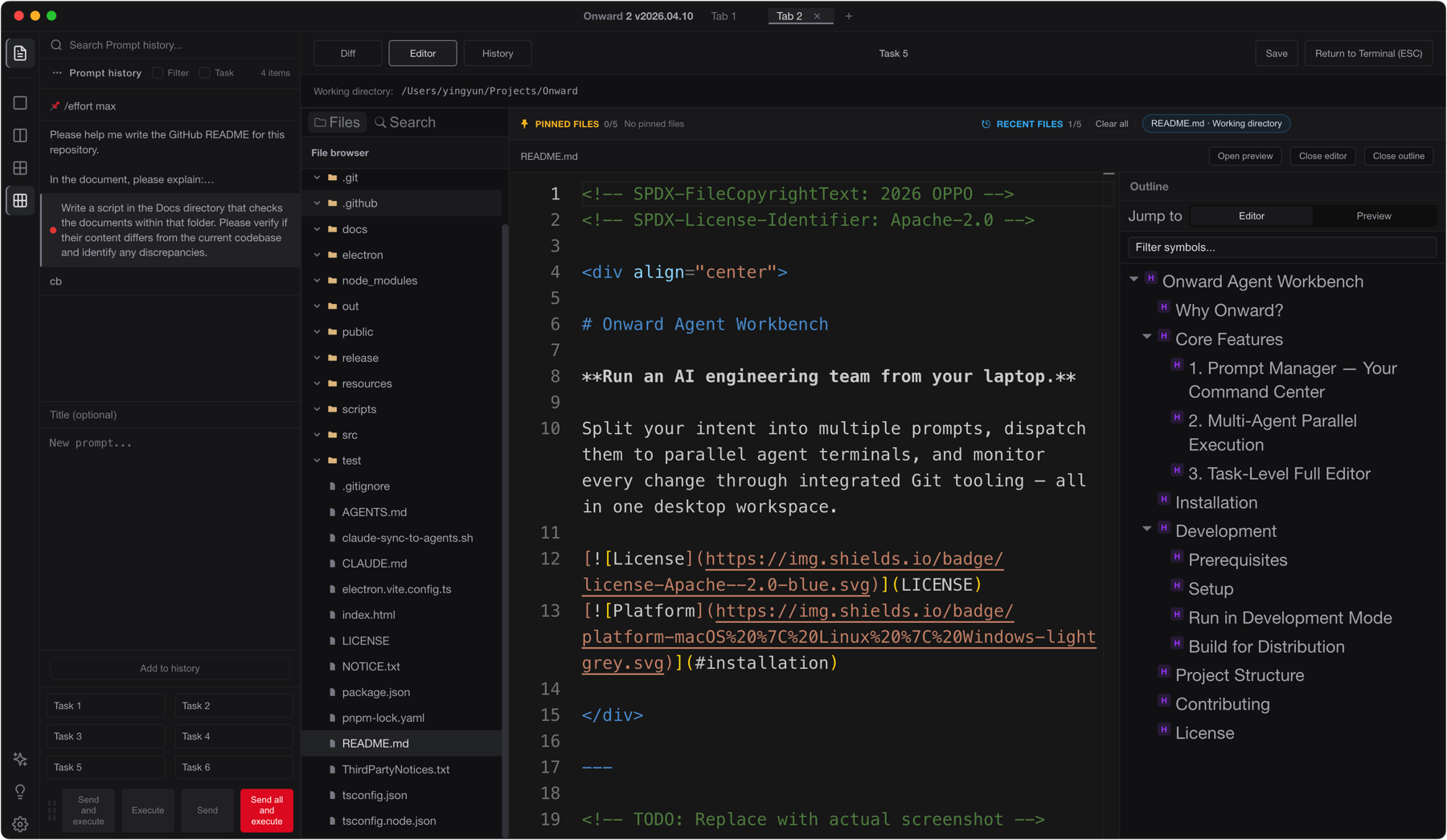
Watch a real workflow: dispatching prompts to multiple agents, monitoring progress, and reviewing the results.
Download the latest release from GitHub for your platform.
github.com/OPPO-PersonalAI/Onward-Agent-Workbench/releasesxattr -cr "/Applications/Onward 2.app"